Button
Renders a <button> element. Unlike form fields, Button extends Element directly and does not extend Field.
Class: PinkCrab\Form_Components\Element\Button
Component: PinkCrab\Form_Components\Component\Field\Button_Component
Make helper: Make::button( 'name', fn(Button $f) => $f->... )
Basic Usage
$this->component( new Button_Component(
        Button::make( 'btn' )
            ->type( 'button' )
            ->text( 'Click Me' )
    ) )

Generated HTML
<div id="form-buttonbtn" class="pc-form__element pc-form__element--button">
    <button type="button" name="btn" class="pc-form__button" >click me</button>
    </div>
Using Make Helper
use PinkCrab\Form_Components\Util\Make;

$this->component( Make::button( 'save', fn( $f ) => $f
    ->type( 'submit' )
    ->text( 'Save Changes' )
) );
Methods
type( string $type )
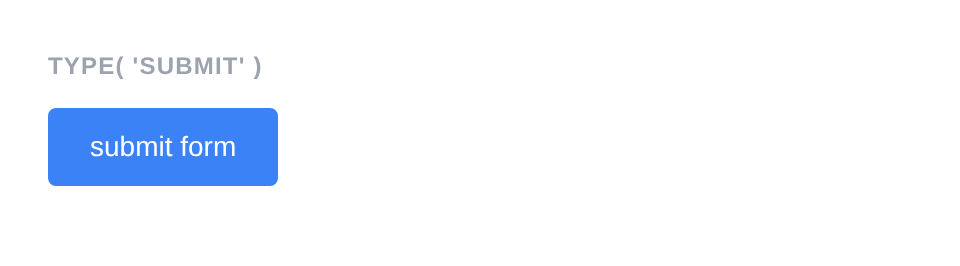
Sets the button type. Common values: button (default), submit, reset.
Button::make( 'submit_btn' )
    ->type( 'submit' )
    ->text( 'Submit Form' )
Generated HTML
<div id="form-buttonsubmit_btn" class="pc-form__element pc-form__element--button">
    <button type="submit" name="submit_btn" class="pc-form__button" >submit form</button>
    </div>
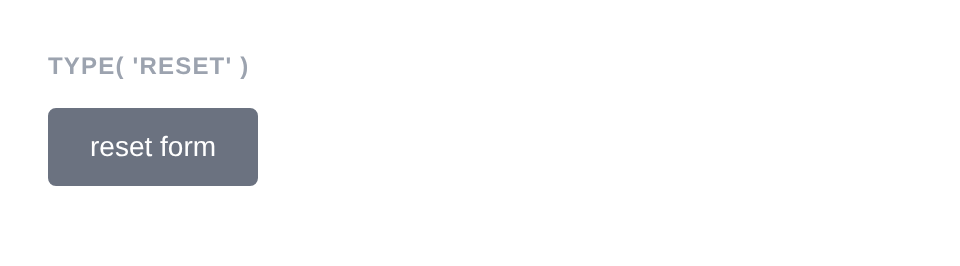
Button::make( 'reset_btn' )
    ->type( 'reset' )
    ->text( 'Reset Form' )
Generated HTML
<div id="form-buttonreset_btn" class="pc-form__element pc-form__element--button">
    <button type="reset" name="reset_btn" class="pc-form__button" >reset form</button>
    </div>
text( string $text )
Sets the visible text inside the button. Text is lowercased in the rendered output.
Button::make( 'action' )
    ->text( 'Click Me' )
Generated HTML
<div id="form-buttonaction" class="pc-form__element pc-form__element--button">
    <button type="button" name="action"
        class="pc-form__button"
    >click me</button>
</div>
disabled( bool $disabled = true )
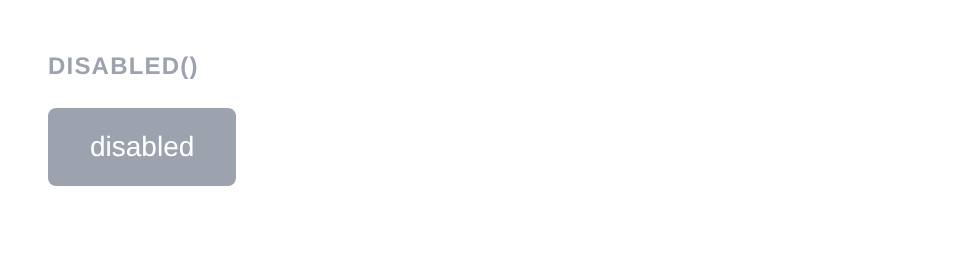
Disables the button. It is visible but cannot be clicked.
Button::make( 'disabled_btn' )
    ->type( 'button' )
    ->text( 'Disabled' )
    ->disabled( true )
Generated HTML
<div id="form-buttondisabled_btn" class="pc-form__element pc-form__element--button">
    <button type="button" name="disabled_btn" disabled="" class="pc-form__button" >disabled</button>
    </div>
before( string $html ) / after( string $html )
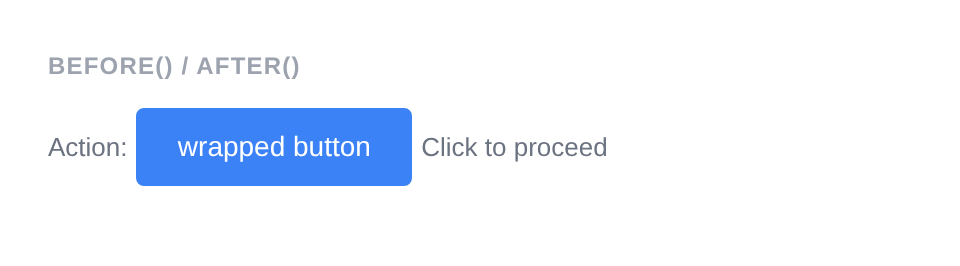
HTML content before or after the button; renders whether or not the wrapper is shown.
Button::make( 'wrapped_btn' )
    ->type( 'button' )
    ->text( 'Wrapped Button' )
    ->before( '<span style="color:#6b7280;font-size:13px;">Action:</span>' )
    ->after( '<span style="color:#6b7280;font-size:13px;">Click to proceed</span>' )
Generated HTML
<div id="form-buttonwrapped_btn" class="pc-form__element pc-form__element--button">
    <span style="color:#6b7280;font-size:13px">Action:</span>
        <button type="button" name="wrapped_btn" class="pc-form__button" >wrapped button</button>
            <span style="color:#6b7280;font-size:13px">Click to proceed</span>
            </div>
id( string $id )
Sets a custom HTML id on the button element.
Button::make( 'save' )
    ->text( 'Save' )
    ->id( 'my-custom-button-id' )
Generated HTML
<div id="form-buttonsave" class="pc-form__element pc-form__element--button">
    <button type="button" name="save" id="my-custom-button-id"
        class="pc-form__button"
    >save</button>
</div>
wrapper_id( string $id )
Sets a custom HTML id on the wrapper div.
Button::make( 'save' )
    ->text( 'Save' )
    ->wrapper_id( 'my-custom-wrapper-id' )
Generated HTML
<div id="my-custom-wrapper-id" class="pc-form__element pc-form__element--button">
    <button type="button" name="save"
        class="pc-form__button"
    >save</button>
</div>
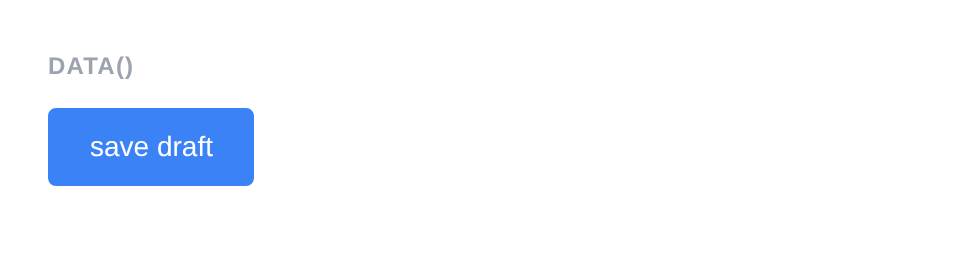
data( string $key, string $value )
Adds a data-* attribute to the button element.
Button::make( 'action_btn' )
    ->type( 'button' )
    ->text( 'Save Draft' )
    ->data( 'action', 'save-draft' )
    ->data( 'target', 'form-1' )
Generated HTML
<div id="form-buttonaction_btn" class="pc-form__element pc-form__element--button">
    <button type="button" name="action_btn" data-action="save-draft" data-target="form-1" class="pc-form__button" >save draft</button>
    </div>
wrapper_data( string $key, string $value )
Adds a data-* attribute to the wrapper div.
Button::make( 'save' )
    ->text( 'Save' )
    ->wrapper_data( 'section', 'actions' )
Generated HTML
<div id="form-buttonsave" class="pc-form__element pc-form__element--button" data-section="actions">
    <button type="button" name="save"
        class="pc-form__button"
    >save</button>
</div>
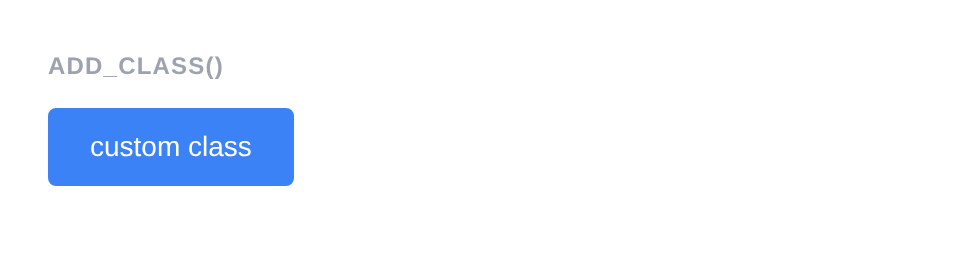
add_class( string $class )
Adds a CSS class to the button element.
Button::make( 'styled_btn' )
    ->type( 'button' )
    ->text( 'Custom Class' )
    ->add_class( 'my-button-class' )
Generated HTML
<div id="form-buttonstyled_btn" class="pc-form__element pc-form__element--button">
    <button type="button" name="styled_btn" class="pc-form__button pc-form__button my-button-class" >custom class</button>
    </div>
add_wrapper_class( string $class )
Adds a CSS class to the wrapper div.
Button::make( 'save' )
    ->text( 'Save' )
    ->add_wrapper_class( 'my-wrapper-class' )
Generated HTML
<div id="form-buttonsave" class="pc-form__element pc-form__element--button my-wrapper-class">
    <button type="button" name="save"
        class="pc-form__button"
    >save</button>
</div>
attribute( string $key, mixed $value )
Sets an arbitrary HTML attribute on the button element.
Button::make( 'save' )
    ->text( 'Save' )
    ->attribute( 'aria-label', 'Save all changes' )
Generated HTML
<div id="form-buttonsave" class="pc-form__element pc-form__element--button">
    <button type="button" name="save"
        class="pc-form__button"
        aria-label="Save all changes"
    >save</button>
</div>
attributes( array $attrs )
Sets multiple arbitrary HTML attributes at once.
Button::make( 'save' )
    ->text( 'Save' )
    ->attributes( array(
        'title'    => 'Save all changes',
        'tabindex' => '10',
    ) )
Generated HTML
<div id="form-buttonsave" class="pc-form__element pc-form__element--button">
    <button type="button" name="save"
        class="pc-form__button"
        title="Save all changes" tabindex="10"
    >save</button>
</div>
style( Style $style )
Sets a custom style on the button, overriding the default.
use PinkCrab\Form_Components\Style\Default_Style;

Button::make( 'save' )
    ->text( 'Save' )
    ->style( new Default_Style() )
Generated HTML
<div id="form-buttonsave" class="pc-form__element pc-form__element--button">
    <button type="button" name="save"
        class="pc-form__button"
    >save</button>
</div>
Traits
| Trait | Methods |
|---|---|
| Attributes | attribute(), attributes(), get_attribute(), get_attributes(), has_attribute(), add_class(), remove_class(), id(), data() |
| Element_Wrap | before(), after(), get_before(), get_after(), has_before(), has_after() |
| Wrapper_Attributes | wrapper_attribute(), wrapper_attributes(), get_wrapper_attribute(), get_wrapper_attributes(), wrapper_id(), wrapper_data(), add_wrapper_class() |
| Form_Style | style(), get_style(), has_explicit_style() |
| Disabled | disabled(), is_disabled() |